
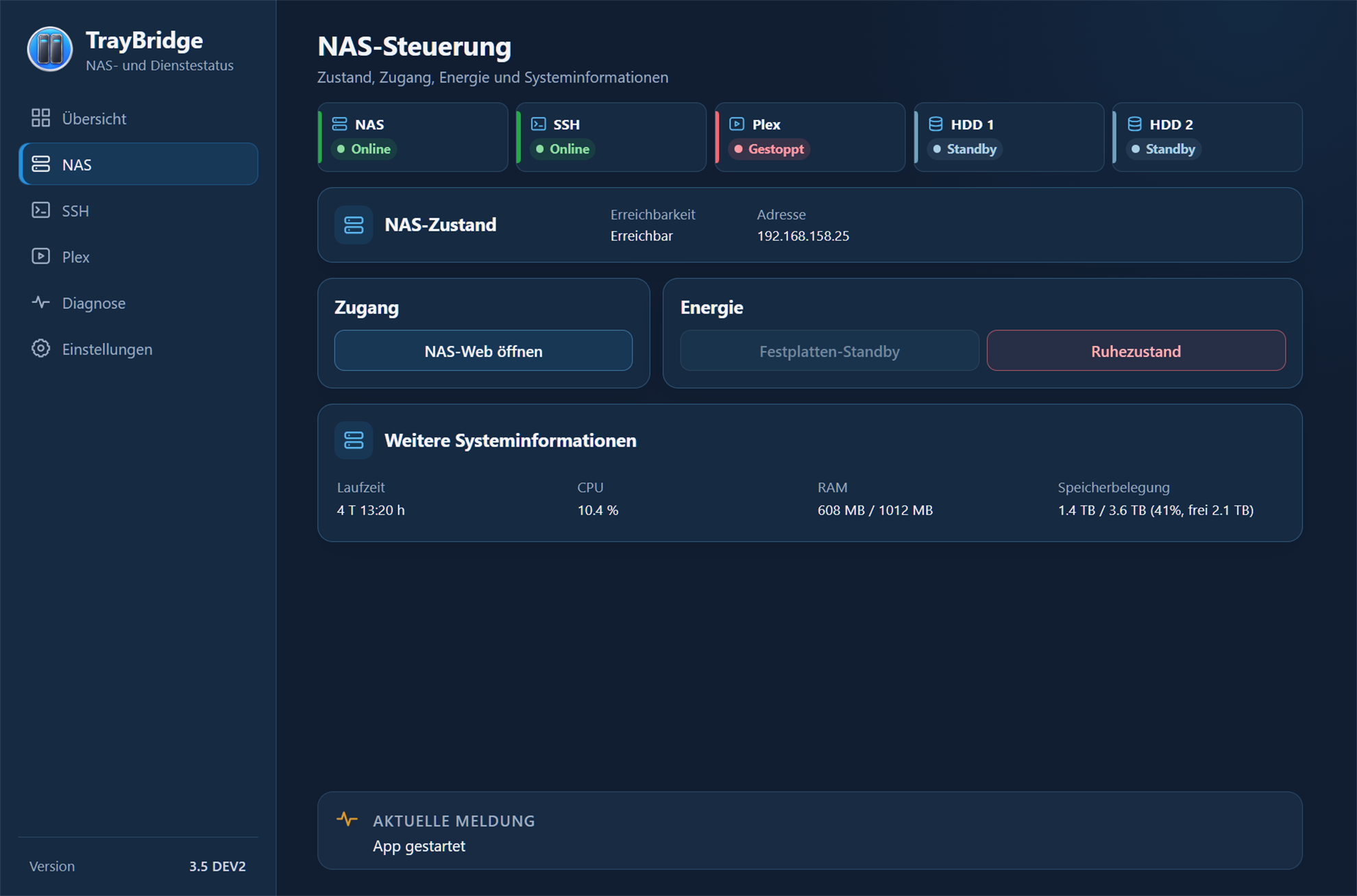
NAS
NAS control
NAS status, web access, power actions and system information in one compact view.
Screenshots
Real views of the current TrayBridge interface show the key areas of the application.
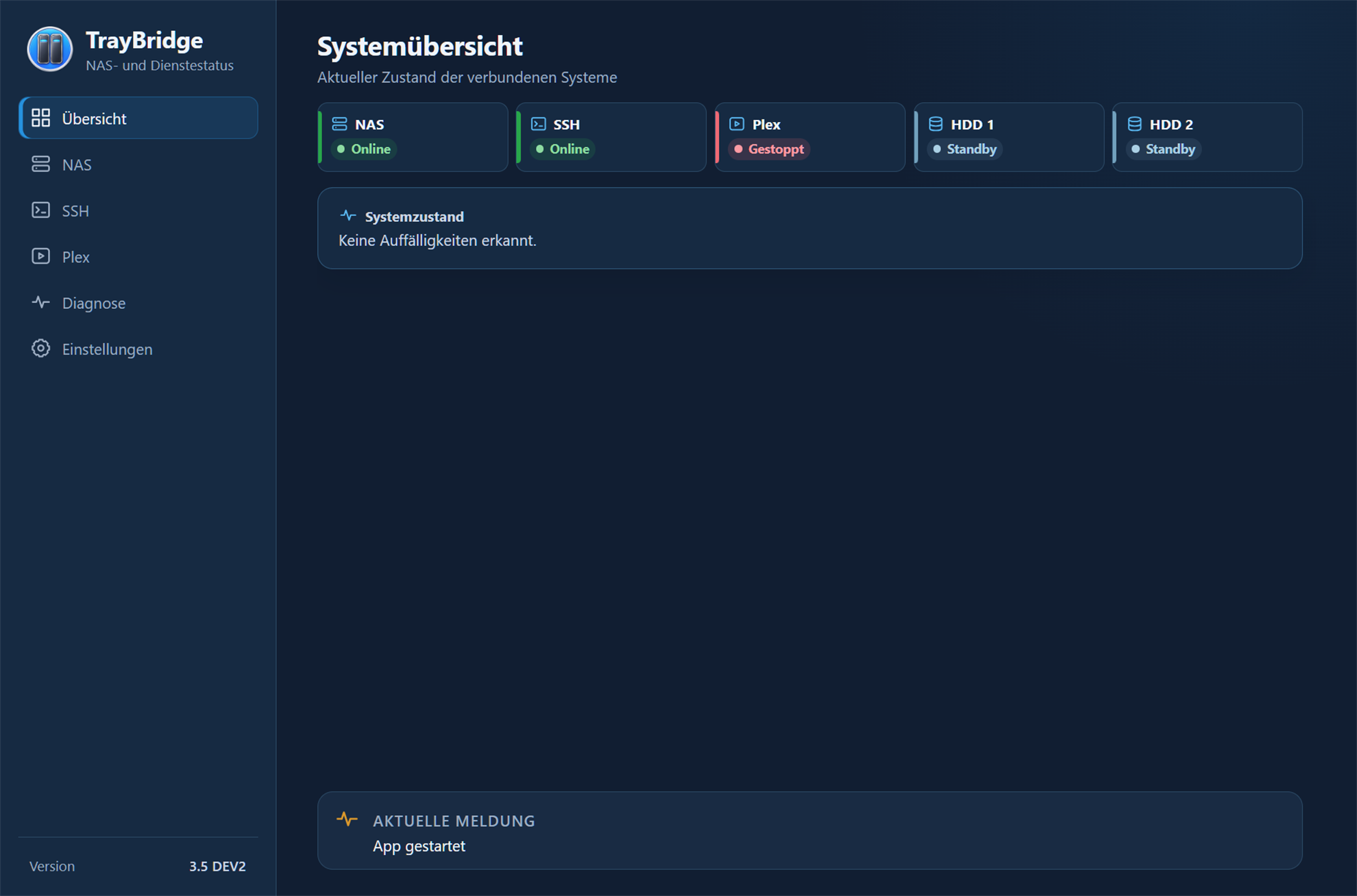
System overview
The overview brings NAS, SSH, Plex and both drives together in one status view. Irregularities and current messages remain directly visible.
Interface
The following screenshots show central management, diagnostic and settings areas of the current TrayBridge interface.
NAS status, web access, power actions and system information in one compact view.
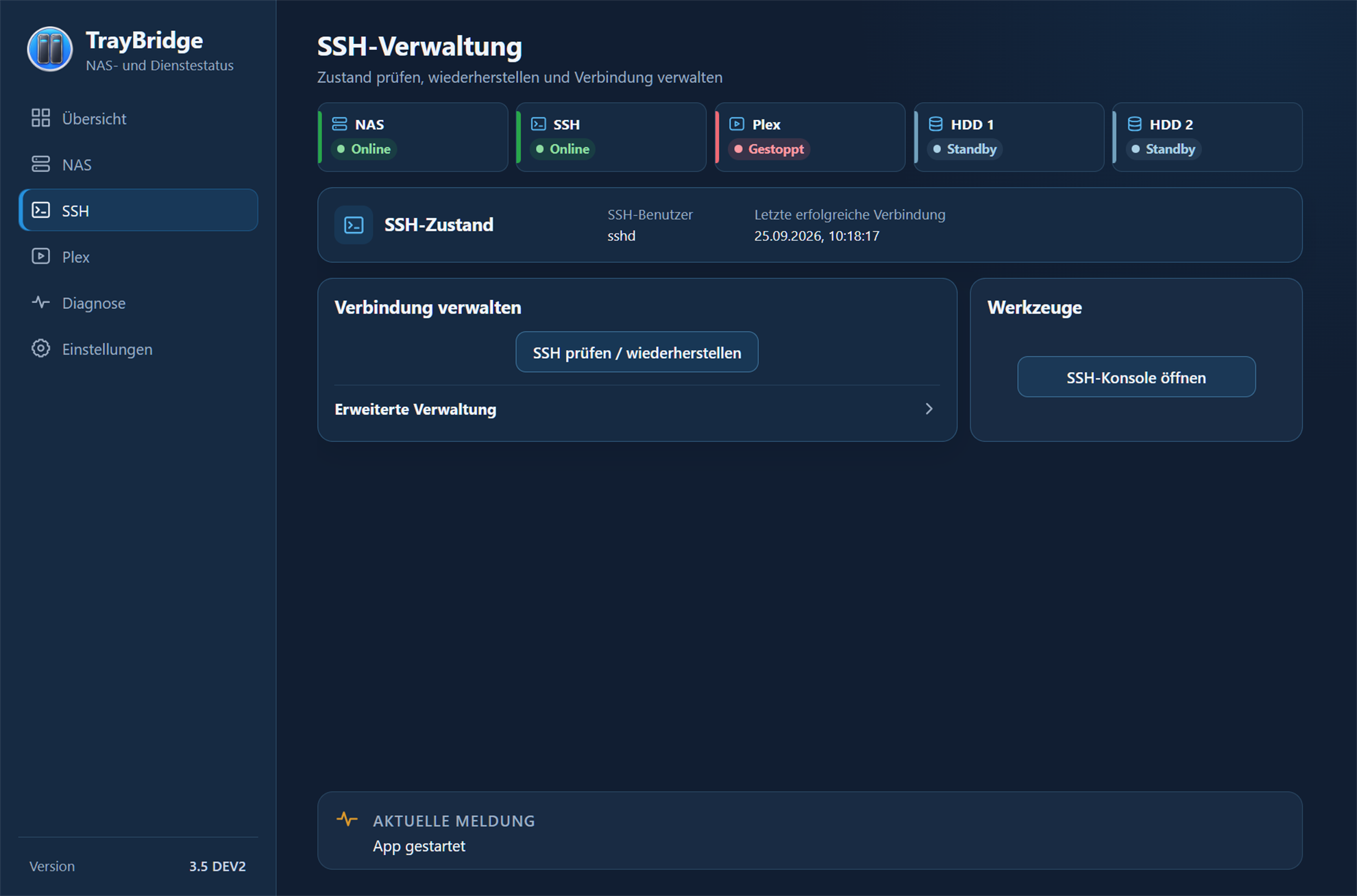
SSH status, connection checking and recovery plus direct access to the SSH console.
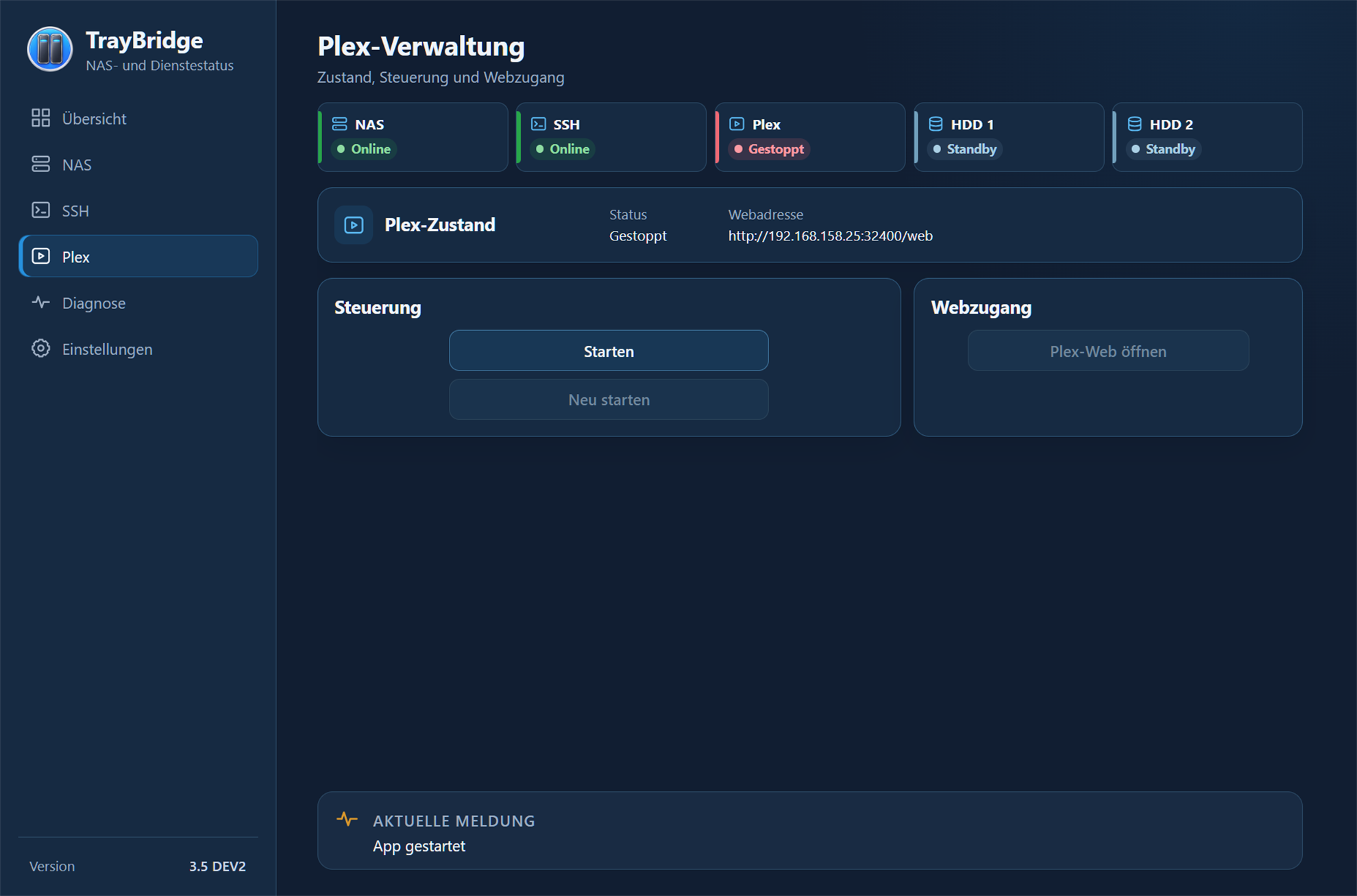
Plex status and central control actions remain directly accessible alongside the rest of the system state.
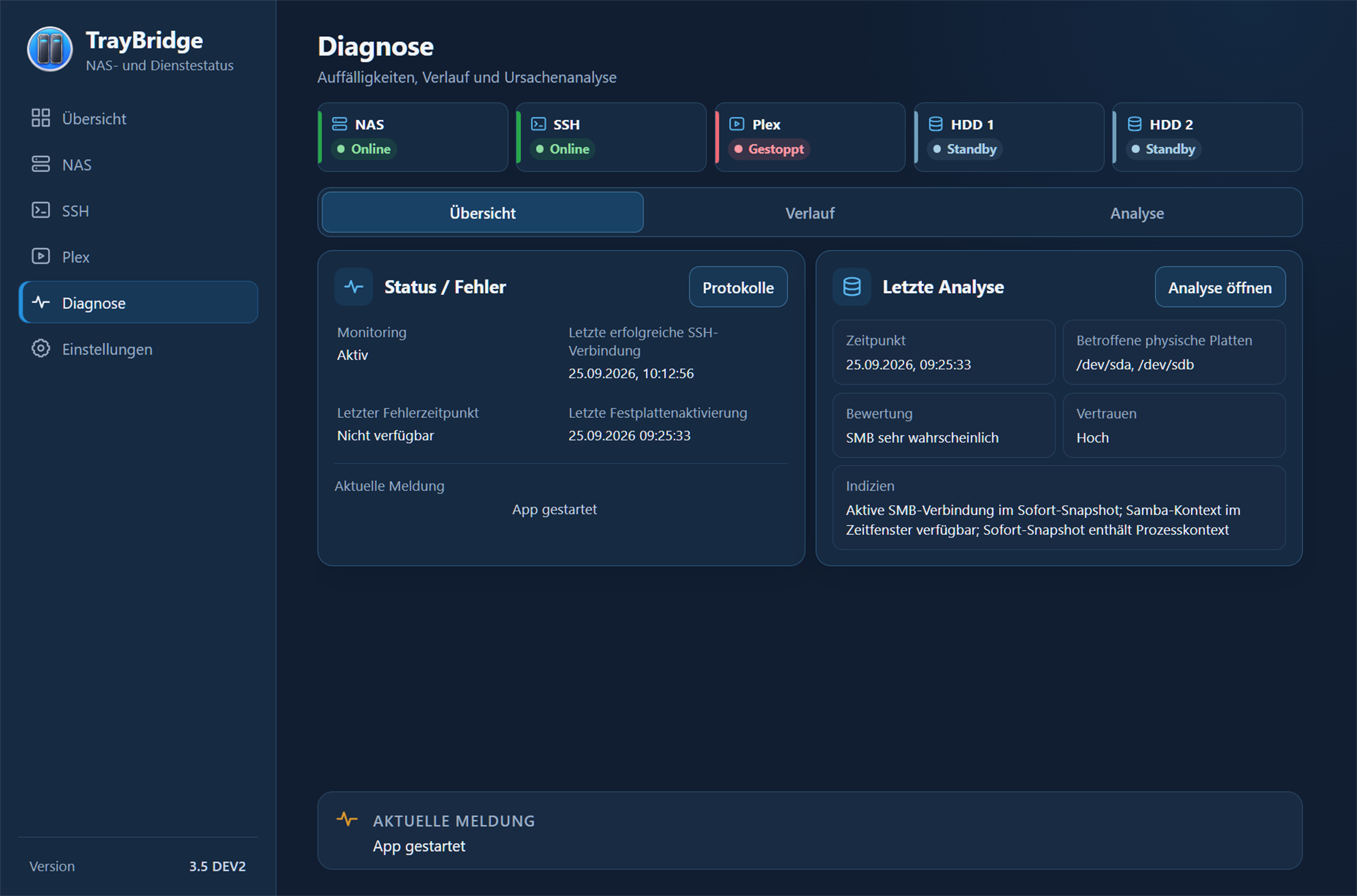
Monitoring, recent connections, drive activations and the latest evaluated analysis on one page.
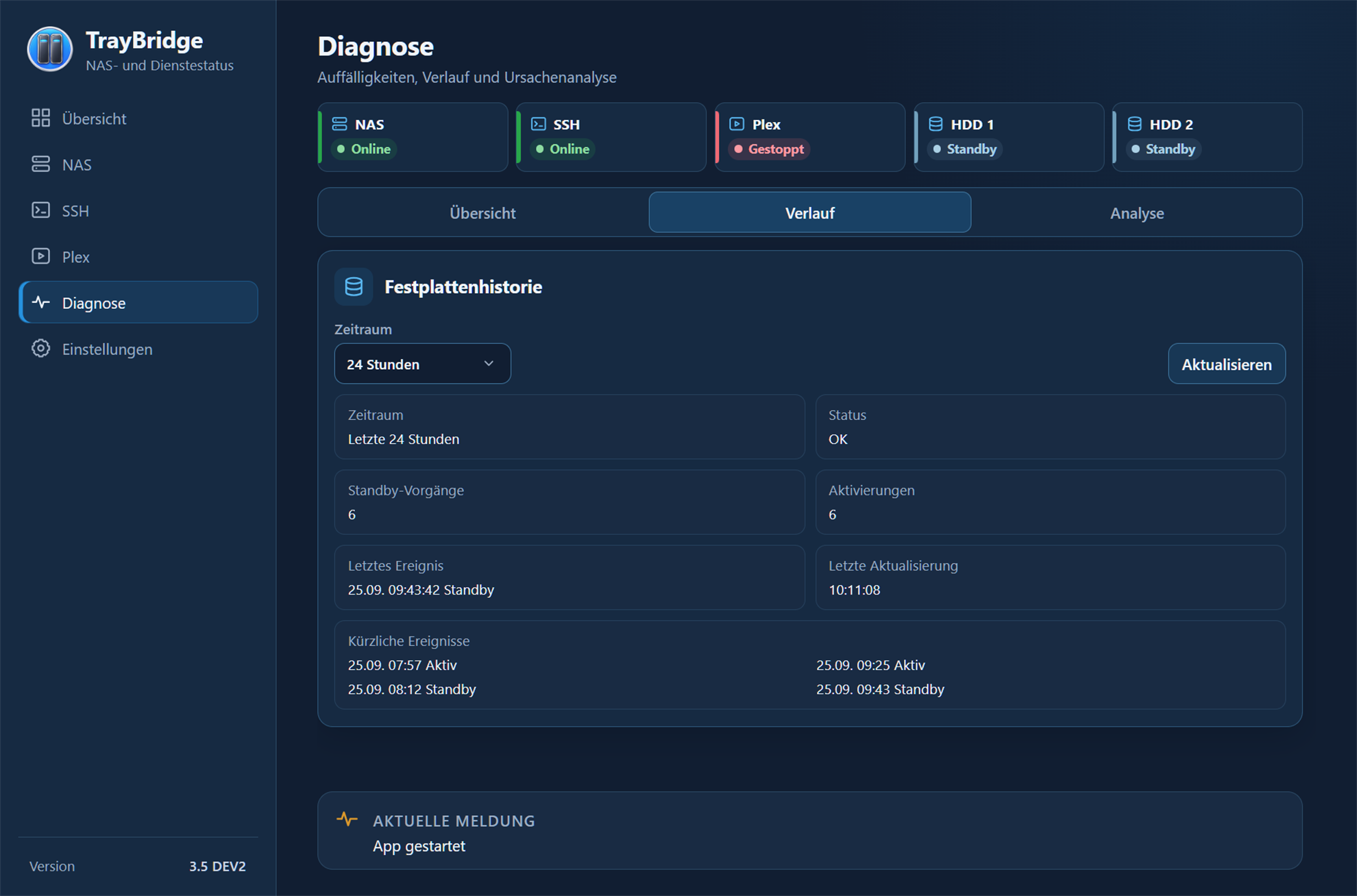
Drive standby events and activations can be reviewed over a selectable time range.
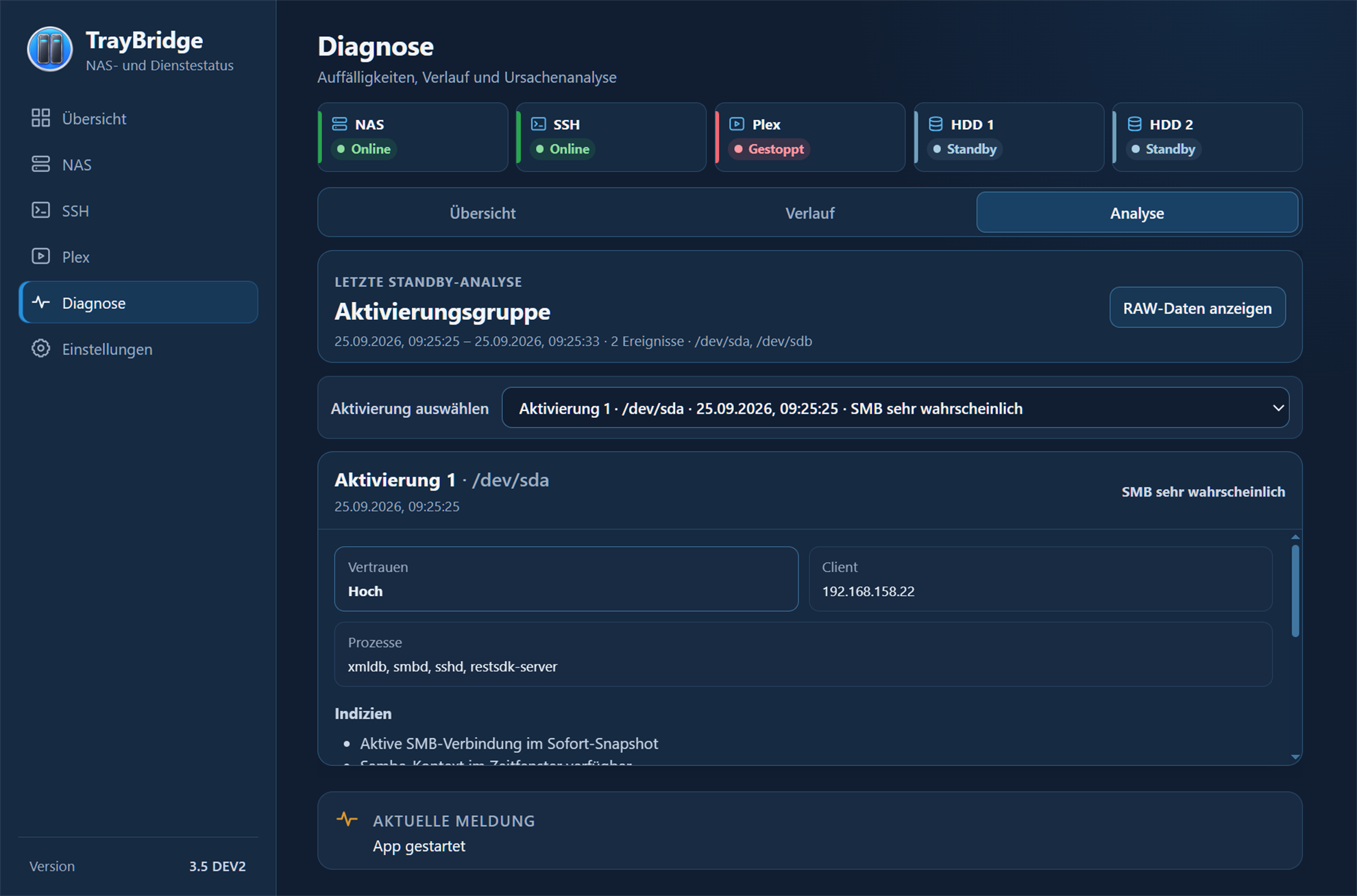
Activation groups, processes, clients and indicators help narrow down the causes of drive activations.
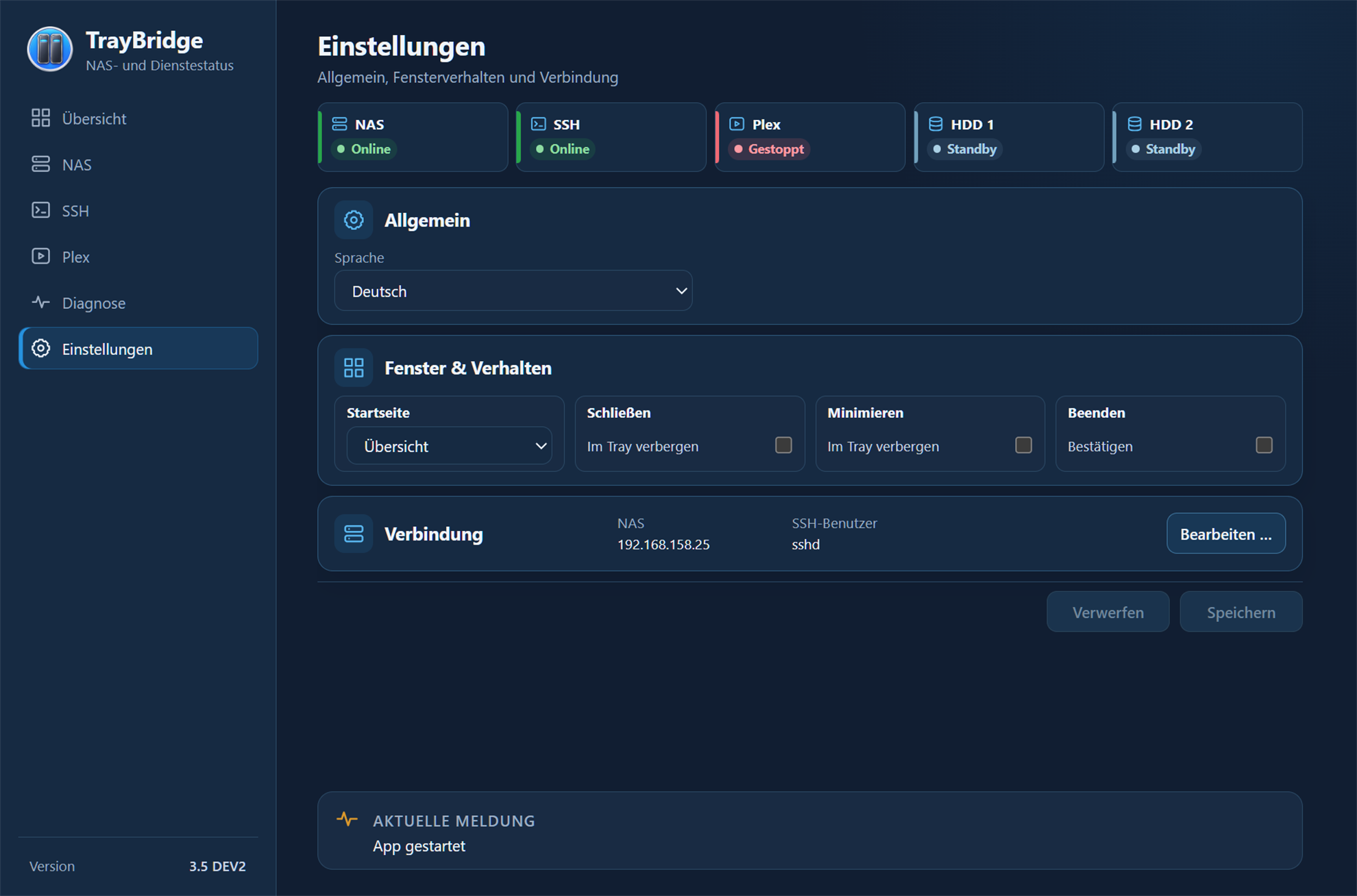
Language, window behaviour and NAS/SSH connection settings are configured centrally in TrayBridge.
Learn more
The features overview explains what TrayBridge handles in each area.